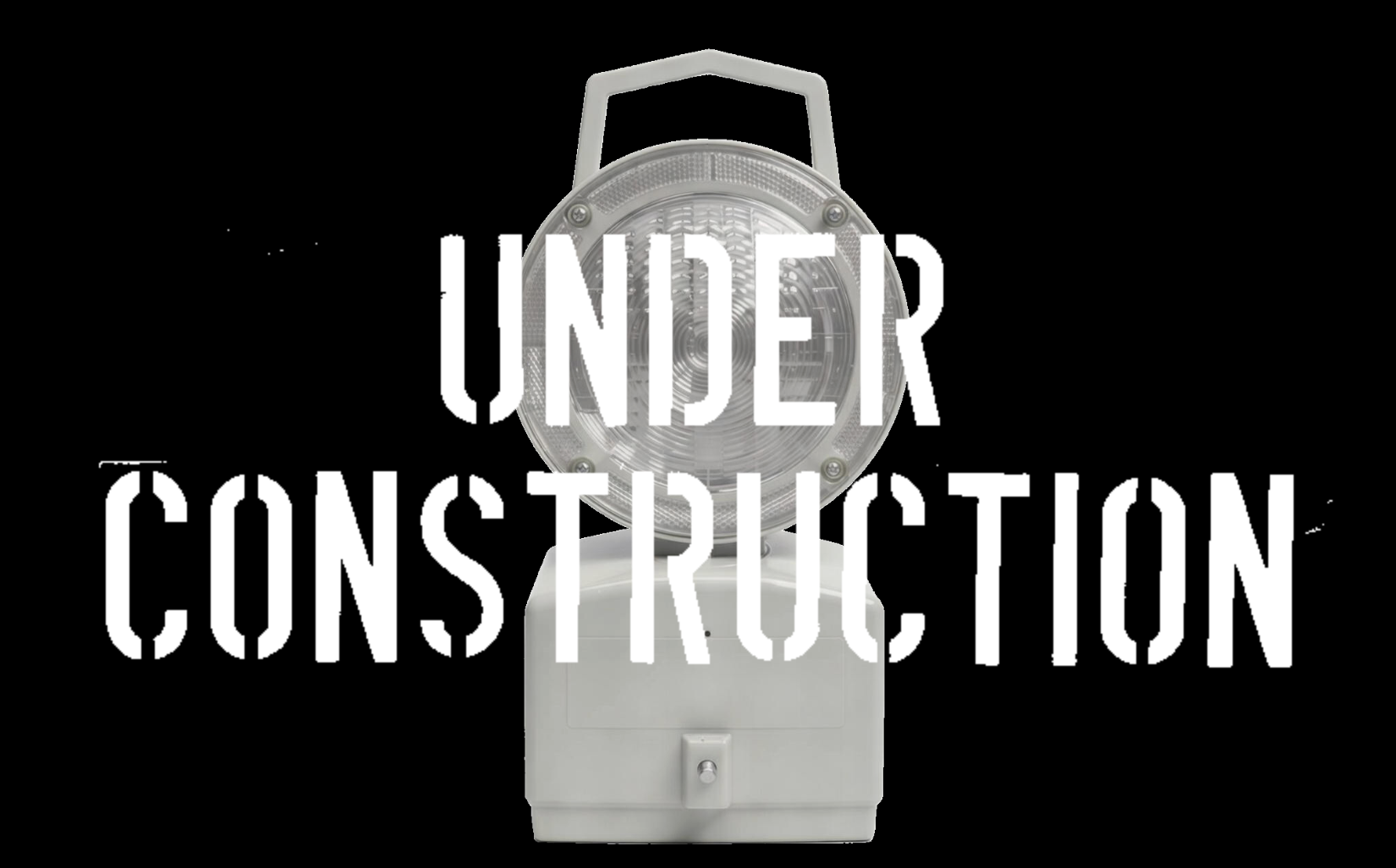
The main image on my Front Page is composed of two parts; there’s the lamp and the text, then the two are layered to make a composite.
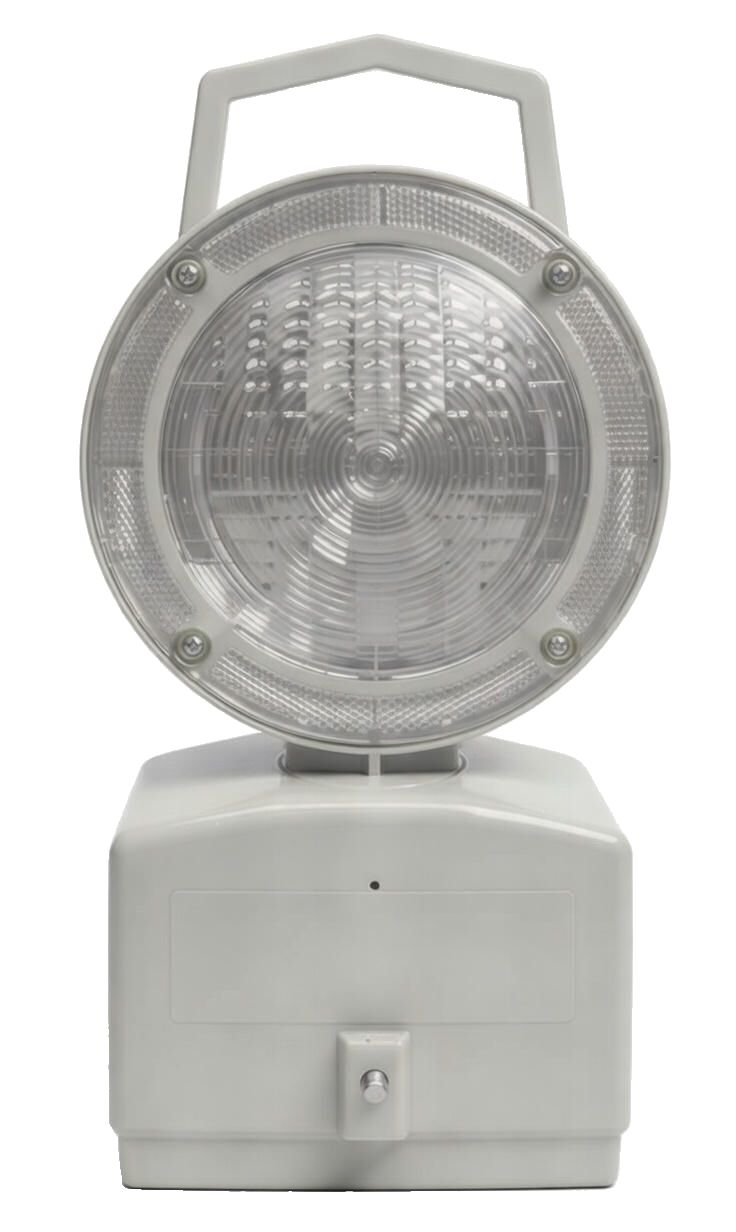
The two individual images originally came from a convoluted and painful conversation with the AI chatbot, Grok. Save yourself the grief of wading through the chat and trust me that the pertinent points are as follows:
I was (and still am) very much figuring out the design and mechanics of my website one step at a time. I wanted to reference the old-skool “Under Construction” gifs that I used to see on sites in the early days of the internet, but to somehow bring it a bit more up-to-date.

I had a rough mental image of the lamp and the wording and so I tasked Grok with generating them. It didn’t go to plan, but it did at least lead me to do a Google seach to find an image of a lamp that was leaning in the right direction:
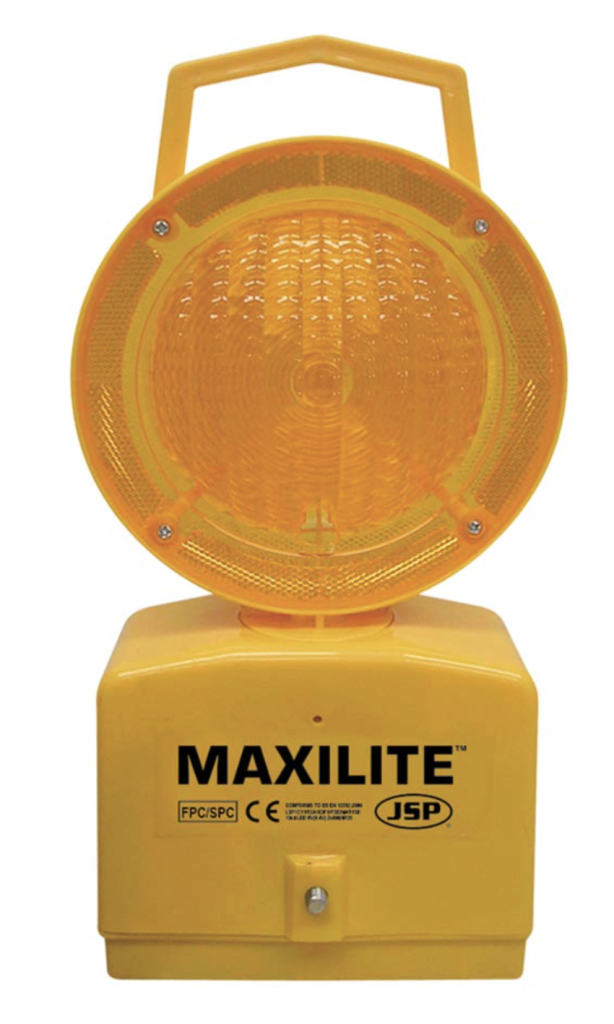
I wanted to remove the branding, the colour and the background. Grok made short work of removing the branding…
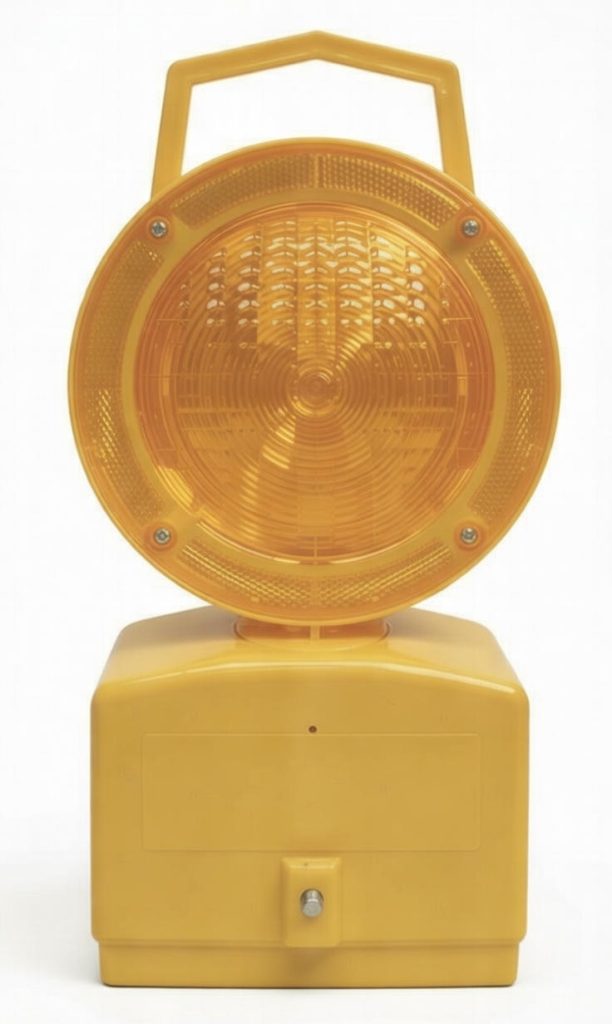
…and then the colour:
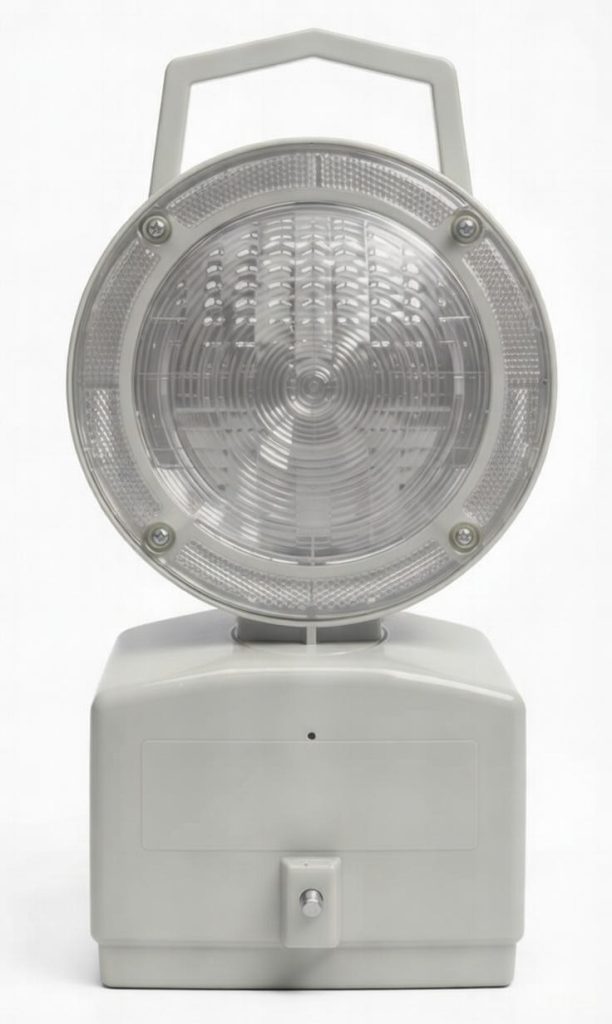
I could have done both of these things manually with graphics software, but it just was quicker and easier to delegate it.
However, that gain was soon eroded, if not offset, when it struggled with removing the background. I could go on about how tiresome and tedious the exchange with Grok was, and maybe it would have been easier had I given better or clearer instructions, but the end result was that I decided to just step in and manually clean up the mess.
Fortunately, I have rudimentary graphic design skills that are good enough to find my way around a tool such as Procreate, the amazing value iPad app. As an aside, I subscribe to the view that it is worth it to buy an iPad just to use Procreate.
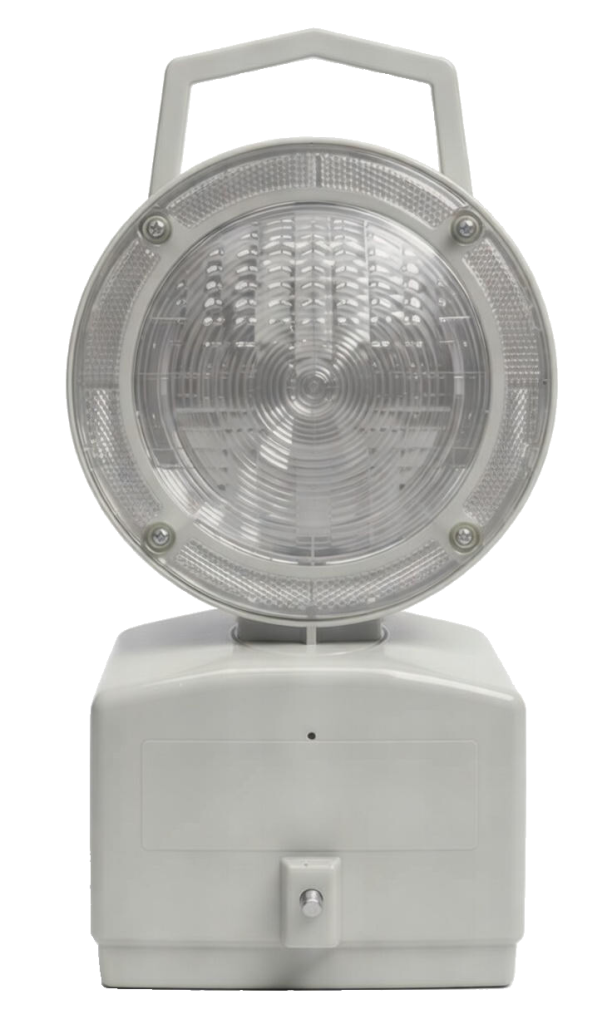
Having sorted the background image, it was time for the text. I asked Grok to “Give me the words “UNDER CONSTRUCTION” on two rows, one word on each row, using a font that looks like it has been stamped.”
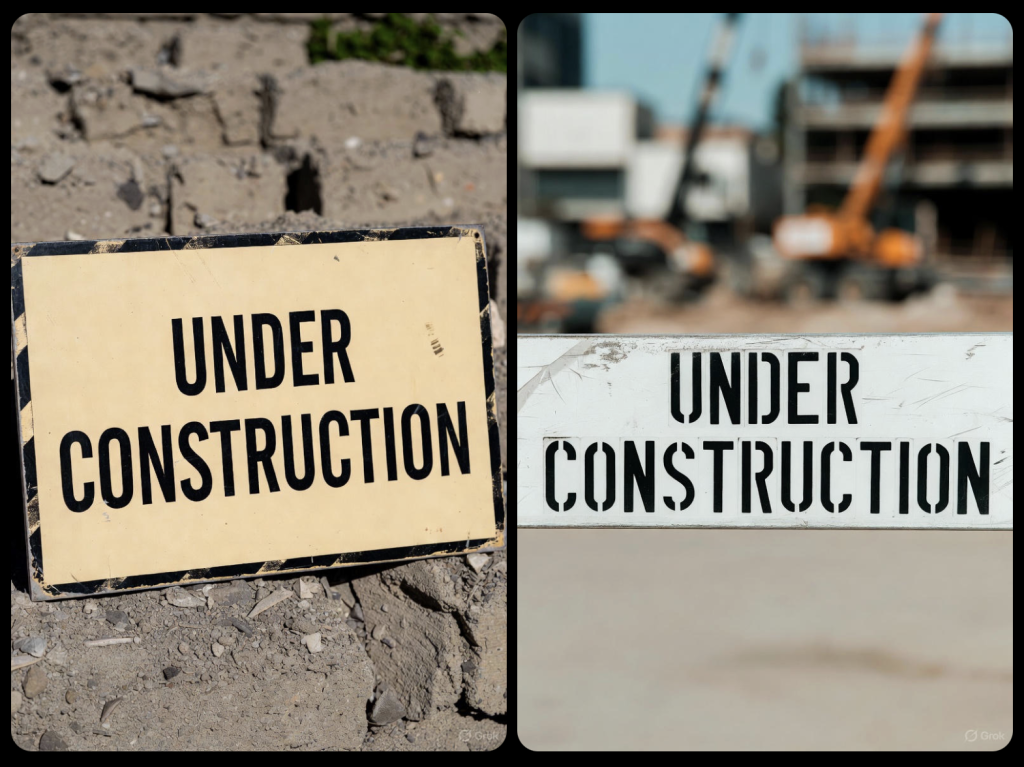
I’d say it did a decent job, although it’s worth noting that I didn’t ask for what might charitably be described as the ‘context’ for the text. I specifically wanted the text and only the text. I could have probably refined my prompt to home in on this but I was pretty sure that it would be quicker and simpler to isolate the text myself.
Graphic design tools encourage a person to think in terms of things like layers and selections, which lend themselves well to this situation. In this case, I decided to pick the image on the right because I favoured the text being straight-on.
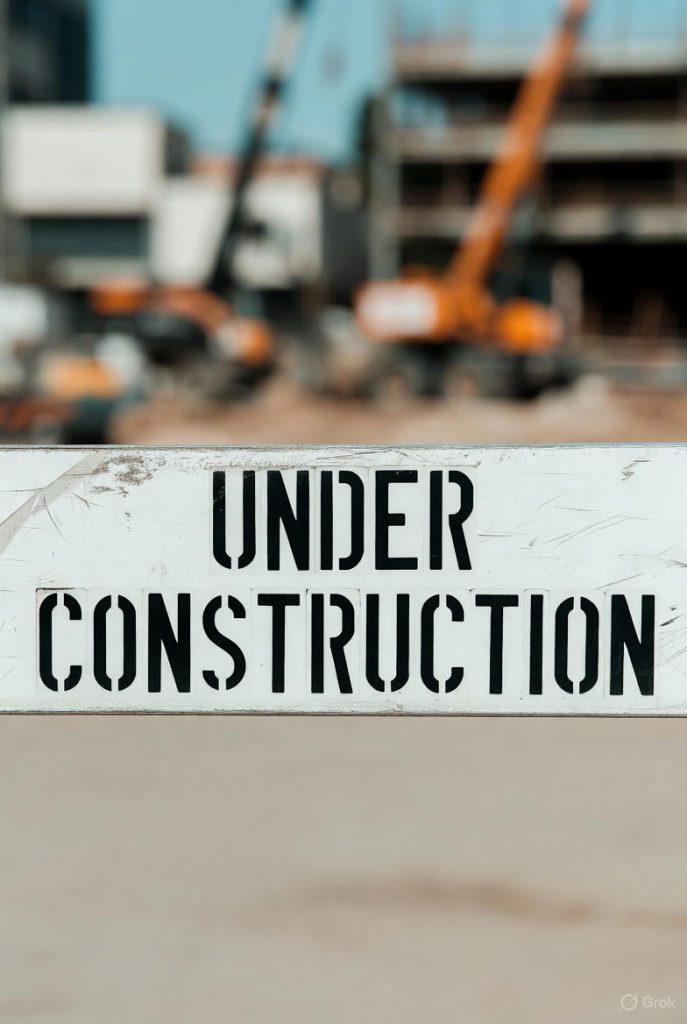
Then I cropped the image to remove the background.
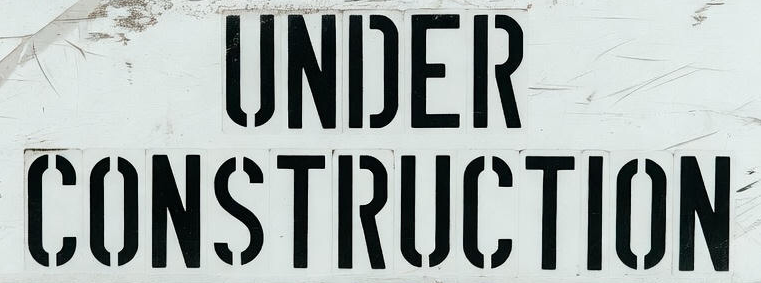
Next, I selected the background area and set the threshold to be just high enough to capture most of the ‘white’ area. Then, by inverting the selection, I could effectively isolate the black text, and copy and paste it onto a new layer.
To finally cobble together the composite, I basically crow-barred the two images into any sort of combination that seemed to work. As I recall, it took a few attempts to get the two images to play together nicely, especially when I switched to view them on Mobile.
After the fact, I now find that I settled on a Row with a Background Image (the lamp), where the Row contains an Image (the text).
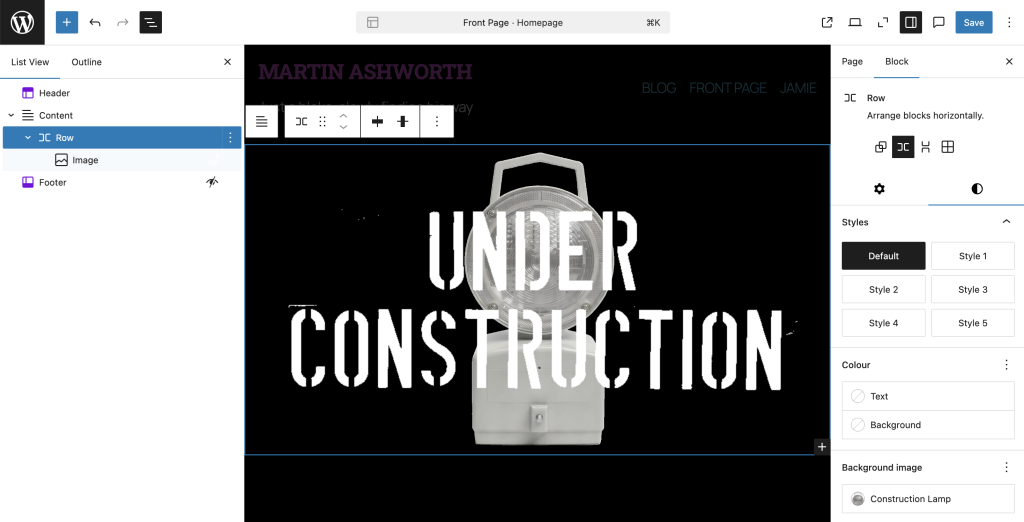
I’d be surprised if this was the optimal way to achieve this effect and I genuinely look forward to being more fluent in the mechanics of layout to be able to think about this more clearly but, at this stage, I’m aiming for progress, not perfection.
As a result, for now, good enough is good enough.
Leave a Reply